Have questions or need assistance? Let us know how we can
assist you!
 customercare@mlhuillier.com
 Standard mobile data charges may apply.
 0947-999-0337
 0947-999-0522
0947-999-2721
0947-999-2472
0917-871-2973
Email: consumeraffairs@bsp.gov.ph
Direct Line: (02) 8708-7701
Trunk Line: (02) 5306-2584
Direct Line: (02) 8708-7701
Trunk Line: (02) 5306-2584



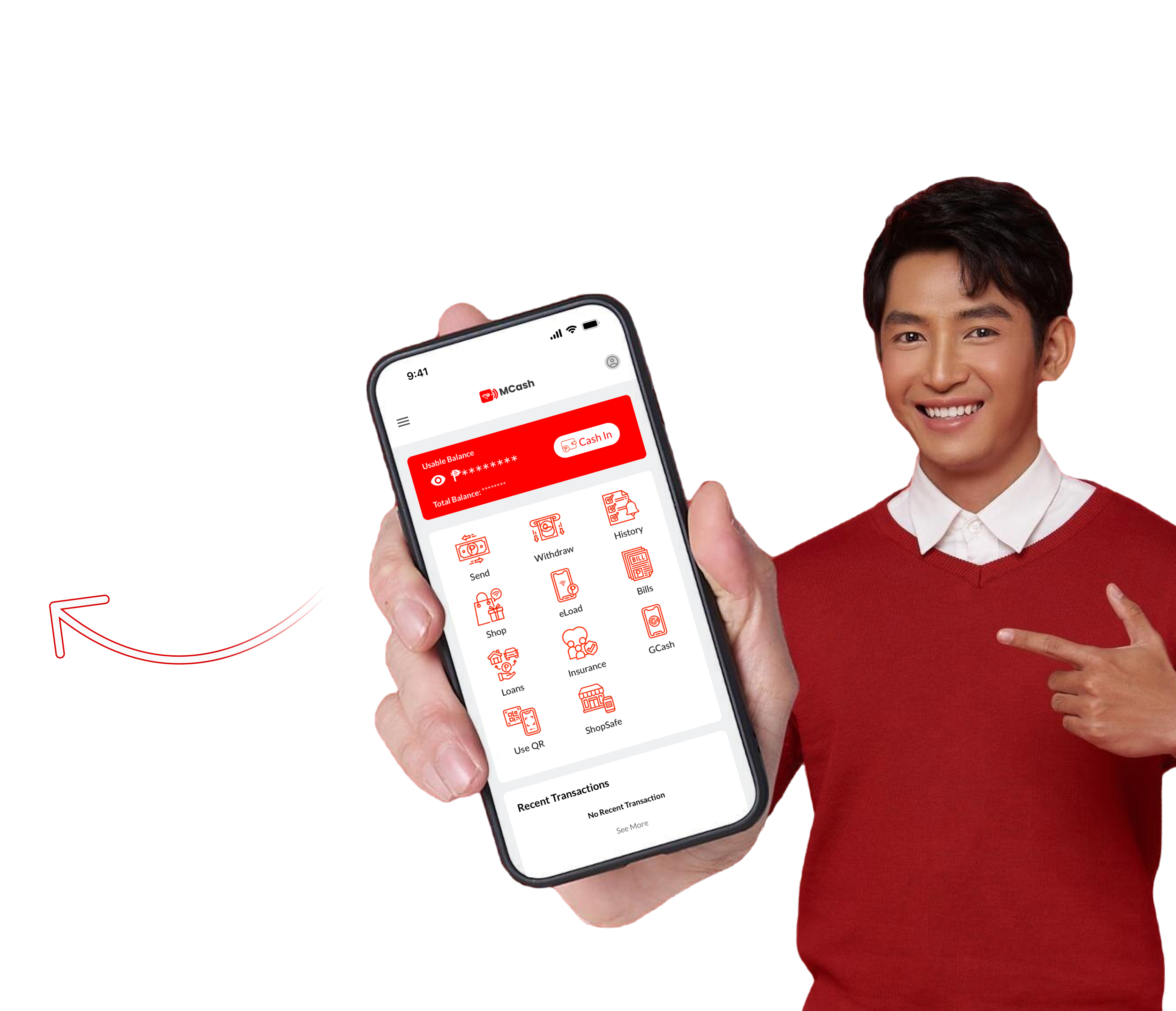
- Send & Receive Money Instantly
- Pay Bills & Buy Load Anytime
- Shop Pre-loved Jewelry & More
-
Enjoy secure, hassle-free financial services right from your phone.
Download MCash today to simplify your transactions—anytime, anywhere!